Access to Web Interface — K2 Plus
The K2 Plus ships with Fluidd pre-installed at port 4408. No installation is required to access it.
Fluidd Web Interface
Fluidd is the primary web interface on the K2 Plus.
Open your browser and navigate to:
Replace <printer-ip> with your printer's IP address (found in Settings → Network on the touchscreen).
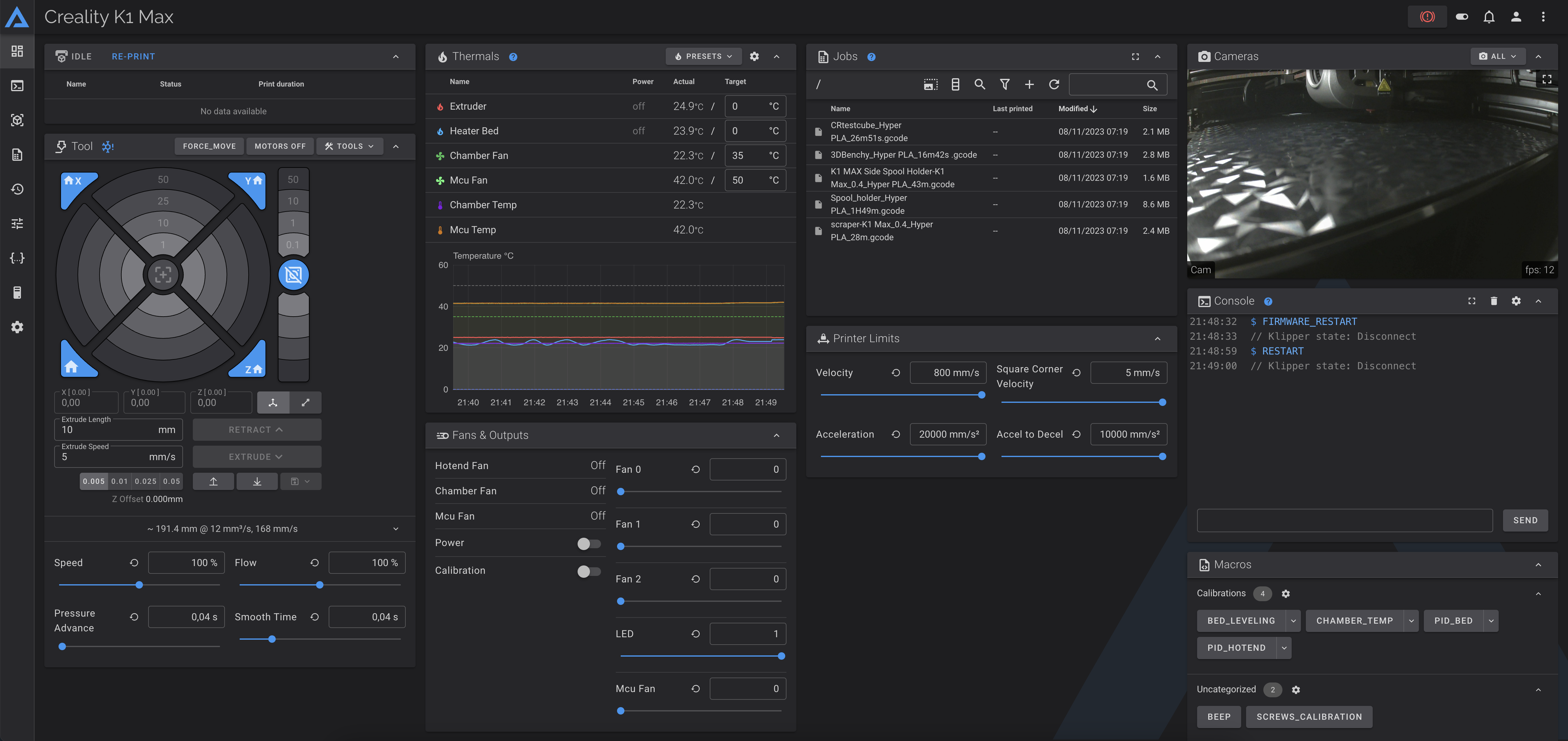
Mainsail Web Interface
Mainsail is not pre-installed. Install it via the Helper Script (option 9) to access it on port 4409:
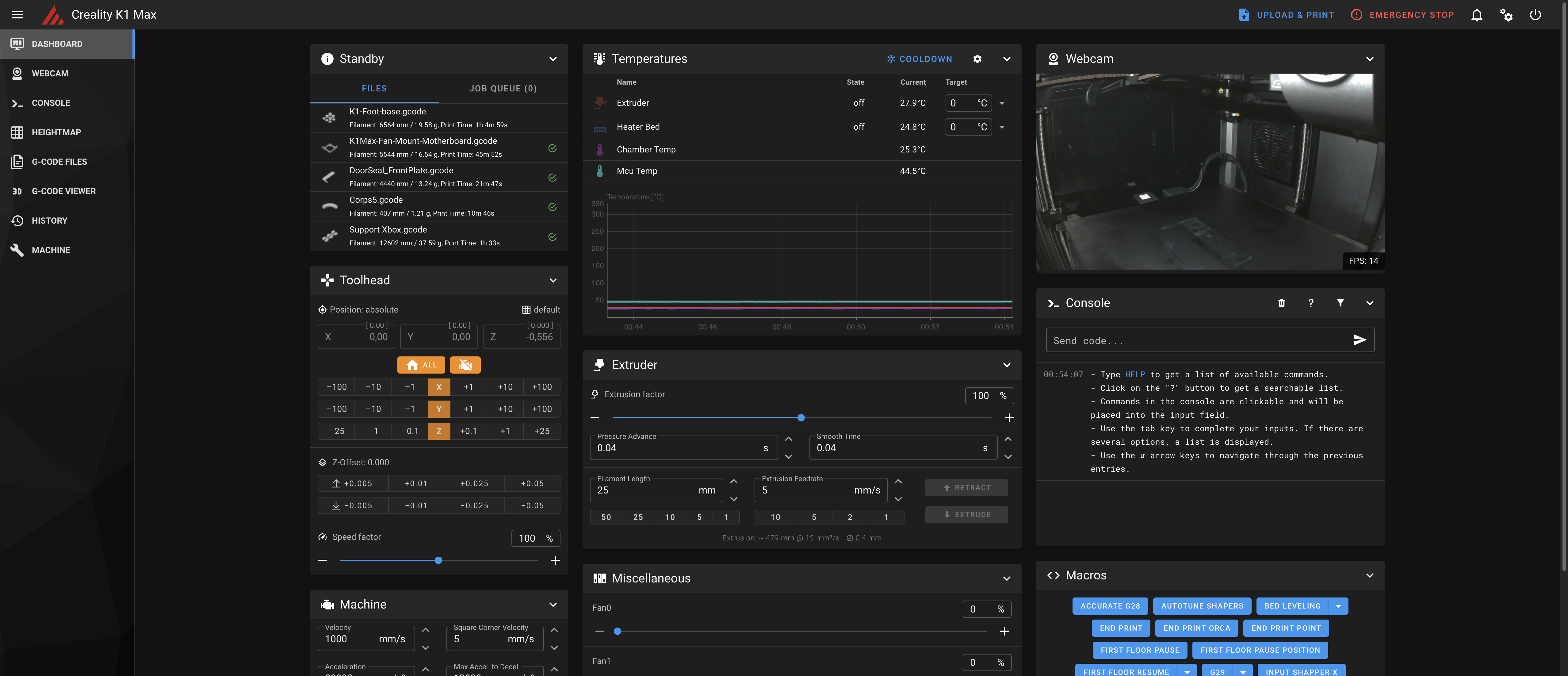
Creality Web Interface
The original Creality web interface is accessible on port 80:
This is used by Creality Print for WiFi printing.
Warning
If you remove the Creality Web Interface using the Helper Script Customize Menu, WiFi printing with Creality Print will stop working. You can restore it at any time from the same menu.
Setting Fluidd or Mainsail as Default (Port 80)
With the Helper Script you can replace the Creality Web Interface with Fluidd or Mainsail on port 80. Useful for hardware that does not support custom port numbers.
Configure from Helper Script → Customize Menu → Remove & Restore Creality Web Interface.
- Fluidd as default: accessible at both
http://<ip>/andhttp://<ip>:4408/ - Mainsail as default: accessible at both
http://<ip>/andhttp://<ip>:4409/